
AI is a tool. And like any tool, it is only valuable if it delivers better outcomes than what you had before. But in a regulated industry, a tool that creates uncontrolled risks while delivering new efficiencies is not a net gain. Before your institution moves forward with AI, these are the security principles that need to be in place.
These questions came up in Navanta’s recent AI webinar series. Our President and CEO, Eric Jones, addresses them in depth in his feature article in Navanta’s recent newsletter, but this post gives you the essentials in one place.
1. Know where your data goes
Before your teams use any AI tool for work-related tasks, confirm that your data stays within your organizational boundary and is not used to train public models. Look for enterprise data protection features, audit logging, and documented data residency commitments. These are non-negotiable for regulated institutions.
If you are using Microsoft Copilot
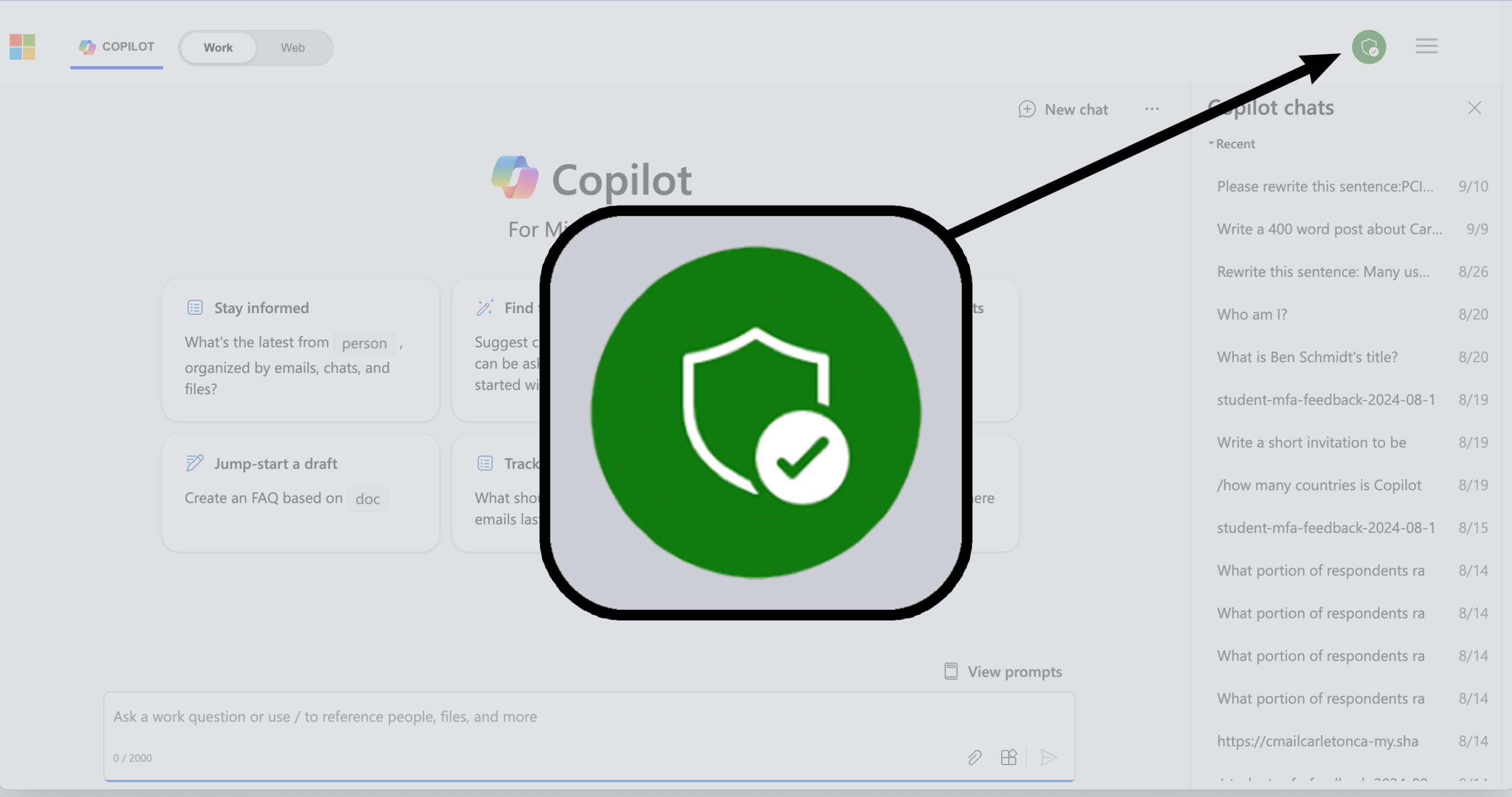
Look for the green shield in the Copilot interface before submitting any work-related prompt. When it is active, Enterprise Data Protection (EDP) is on. Your data stays within your tenant and is not used to train public models. Train your staff to look for it. Make it a reflex, not an afterthought. Think about this the same way you think about phishing email awareness.
Note: Even with EDP active, it does not prevent an employee from typing sensitive information directly into a prompt. That gap is closed by your policy and training, not the platform.
2. Technology alone cannot protect you
Even enterprise-grade AI platforms cannot prevent an employee from typing sensitive customer information directly into a prompt. The vendor closes one gap. Your acceptable use policy, your training program, and a culture of accountability close the rest. Both layers are required. Neither is optional.
3. Use your platform’s administrative controls
Most enterprise AI tools include configurable settings to restrict document types, flag sensitive content, and manage access by role. Engage with these settings actively. Relying on training alone, without technical guardrails, is not a sufficient risk posture for a regulated financial institution.
4. Audit what is already active in your environment
Many platforms enable AI features by default across their product suites. Institutions should maintain an inventory of enabled capabilities and are accountable for making and documenting decisions about each one, ensuring alignment with their risk appetite while leveraging their IT managed service provider for input, guidance, and technical support as needed. Default-on means deliberate-off is your responsibility.
5. Classify your data before you try to govern it
Before you can control what goes into any AI tool, you need to know what data you have, where it lives, and how sensitive it is. Classification and sensitivity labeling are not new concepts for regulated institutions. They are existing disciplines that now need to extend explicitly into your AI governance program.
6. Monitor usage and gate access
Enterprise AI platforms provide audit logging and visibility into what prompts are submitted and what data is accessed. Use those tools actively. Ensure all employees complete baseline AI training. Access should be earned through demonstrated understanding, not granted by default.
7. Two additional steps when using Microsoft Copilot
STEP 7A
Engage Microsoft Purview’s data protection capabilities. Microsoft Purview provides configurable compliance controls, including sensitivity labels and Data Loss Prevention (DLP) policies, that work together to govern how information is classified and protected. Sensitivity labels are part of Purview but are separate from DLP. DLP policies can act on labeled content, enabling coordinated protection across both features.
DLP policies can restrict or flag certain content before it is available to Copilot, extending protections beyond training or user behavior. Some Copilot-specific DLP capabilities, particularly those tied to sensitivity levels, require higher-tier licensing that many customers do not currently have. These features are valuable and likely to drive future licensing adoption, so organizations should plan for them as part of their roadmap

STEP 7B
Know which AI models are enabled in your tenant. Microsoft embeds Copilot broadly across its product suite, and some AI model capabilities are enabled by default. Your IT team should inventory which models are available to users, make intentional, documented decisions about each one, and disable any capabilities that have not been explicitly approved. Default-on means deliberate-off is your responsibility.

“There is no 100% guarantee. There never has been. You can only build the controls, the training, the policy, the monitoring and the culture that make it unlikely and make it detectable when it happens.” Eric Jones
The good news is that none of this requires starting from scratch. Regulated community financial institutions already operate with risk frameworks, audit expectations, and governance structures that map directly onto what AI security requires. The discipline is the same. The scope is new.
In a featured article from the July Navanta Navigators Brief, Eric Jones explores this issue and shares how community bankers across the country are approaching AI governance today: The Question Every Banker Is Really Asking About AI.
Let's Continue the AI Conversation
Navanta can help you assess your current AI security posture and identify gaps before they become audit findings.