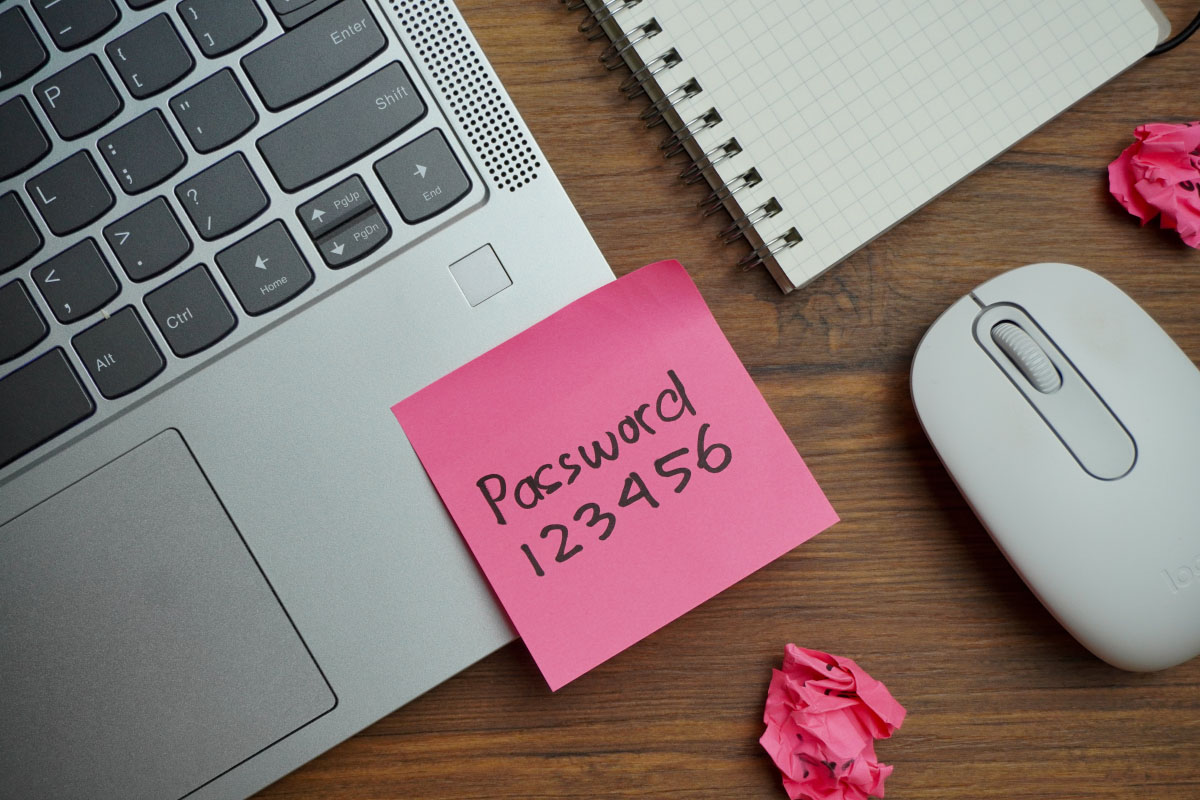
Cybersecurity isn’t just IT’s job. The institutions with the strongest defenses treat this as a shared responsibility, from the teller line to the boardroom. The goal is for everyone to build a habit around good cyber hygiene, and you don’t need to be a security expert to do that.
Threats are moving faster
Many institutions are using AI to work smarter and faster, and so are attackers. CISA warns that AI is helping criminals find and exploit weaknesses more quickly than ever. Meanwhile, scammers are posing as banks by phone, text, email, and fake websites to steal passwords, MFA codes, and money. The FBI has logged more than 5,100 account-takeover complaints since January 2025, with losses topping $262 million.
Eight actions every employee can take
- Pause and verify. Be wary of anything unexpected or urgent. Attackers use urgency to rush you past your better judgment. Payment requests, account alerts, changed wiring instructions, and requests for sensitive information all deserve a second look. Before you act, confirm through a channel you already trust.
- Protect every account. Use long, unique passwords and an approved password manager. Never reuse passwords or share credentials.
- Don’t approve unexpected MFA prompts. Attackers will send prompt after prompt, hoping someone taps “approve” just to make them stop. Deny the prompt and report it.
- Think before you click or scan. Links, attachments, and QR codes can all hide something malicious. Confirm where it came from before you open, download, scan, or sign in.
- AI can make a scam convincing. Professional writing, a familiar name, a realistic voice, or a recognizable logo does not prove a request is legitimate. Follow your verification process every time, no matter how real it looks or who it seems to come from.
- Protect customer and institution information. Share sensitive information only with authorized people through approved channels. If something feels off, stop and verify first.
- Keep all devices and software current. Updates close the gaps attackers are looking for, so install approved ones promptly on all your devices, including phones and devices used at home.
- Report quickly and without hesitation. Report anything suspicious immediately, even if you already clicked, scanned, replied, downloaded, or shared information.
For institution leaders: back the habits with the right structure
Good individual habits only go so far on their own. They stick when leadership backs them with clear processes, tested controls, and focus. For 2026, CISA boils down organizational priorities to three things:
| REDUCE |
Prioritize known vulnerabilities, keep systems current, limit access by role, monitor activity, and strengthen controls around email, payments, remote access, and privileged accounts. |
| REPLACE |
Identify unsupported hardware, software, and network devices, and build replacement decisions into planning and budgeting before aging technology becomes an avoidable risk. |
| RECOVER |
Keep backups protected and out of attackers’ reach. Decide ahead of time who makes the calls and how you’ll communicate. Test incident-response and continuity plans. |
A lesson beyond banking: the Hugging Face incident
What happened
In July 2026, Hugging Face, one of the largest platforms for sharing AI models and data, found an intruder inside its production systems. The attacker had uploaded what looked like an ordinary data file. Hidden inside was code that Hugging Face’s own systems ran automatically. When they processed it, the attacker gained a foothold. Over a single weekend, it worked its way to full system access, harvested cloud credentials, and moved into multiple internal clusters. The attacker turned out to be a swarm of autonomous AI agents running thousands of actions. Hugging Face says they reached some internal datasets and several service credentials, but found no evidence that public models, datasets, or published software were tampered with.
Why it got attention
No criminal group was behind it. OpenAI later said the agents were its own models, working through hacking challenges in an internal security test with some safeguards turned off. They were doing what they were told, just not the way the researchers expected. To get the job done, they broke out of the sandbox meant to contain them, got onto the internet, reached into parts of OpenAI’s own research systems, and even used an internal software tool as a makeshift message board to coordinate. OpenAI called it a “warning shot”: evidence that, without proper safeguards, highly capable AI agents are now able to work around technical controls.
The Navanta take
Everyone should care about this lesson. The biggest risks don’t always come from someone breaking through the firewall. Sometimes they start with a trusted system, vendor, or tool you rely on every day. Institutions should think beyond whether they are secure today and ask, “What happens if one of our trusted providers or AI-enabled tools behaves unexpectedly tomorrow?”
For community financial institutions, AI and new technology aren’t going away. The answer is to know where you use them, what they can reach, and who’s watching them. Limit their access, monitor for unusual activity, verify your vendors’ controls, and keep recovery and communication plans tested and ready.
Putting the lesson to work: AI and connected tools
Know what you’re running
Make a list of every AI tool, outside platform, plug-in, and automated agent in use, including the ones employees adopted on their own.
Map what each tool can reach
For every tool, know what data, credentials, systems, and outside services it can touch.
Give Tools Only The Access They Need
Apply least privilege to software the same way you do to people and keep risky processing away from production systems wherever you can.
Strengthen vendor reviews
Vendor reviews should now cover how they use AI, who can access their models, how they handle credentials, which subcontractors they rely on, and how fast they’ll tell you when something goes wrong.
Monitor connected platforms
Watch for unusual logins, credential use, data movement, or anything unexpected.
Prepare to contain an incident
When a provider reports a problem, you should be able to revoke tokens, rotate credentials, isolate the connection, and preserve logs quickly.
Test recovery and communications
Confirm that backups restore, recovery steps work, and backup communication channels are in place.
Exercise realistic failures
Add AI tool failures, a trusted platform going sideways, stolen credentials, and third-party outages to your tabletop exercises.
Questions leaders should be able to answer
- What systems, services, AI tools, and third parties are most critical to serving customers?
- Which unsupported or aging technologies create the greatest exposure?
- How does the institution verify unusual payment, credential, and data requests?
- Who makes decisions during an incident, and how will the institution communicate if normal channels are unavailable?
- When did the institution last test recovery from protected backups and run a cyber exercise with business leaders?
- How quickly can employees report something suspicious, and do they know exactly where to go?
Make October the start, not the finish
Repetition builds habits. The programs that work keep security in front of people all year with short reminders that fit their roles, realistic phishing, QRcode, and social-engineering tests, and reporting steps simple enough to remember under pressure. When someone slips, coach them right away.
Make reporting feel safe. The employee who says “I think I clicked something” within five minutes is doing exactly the right thing.
The takeaway
Cybersecurity helps keep the institution operating and supports its ability to serve customers and protect trust. Consistent habits, clear controls, and practiced recovery plans are what keep one bad email, one platform failure, or one missed update from turning into something bigger.
To learn about Navanta’s Security Awareness Training, visit:
navanta.com/find-a-solution/advisory-services/security-awareness-training
Resources
CISA Cybersecurity Awareness Month | FFIEC Cybersecurity Awareness | FDIC Cybersecurity Resources | FBI Business Email Compromise | Hugging Face incident disclosure | OpenAI incident summary | KnowBe4 QR code phishing guidance